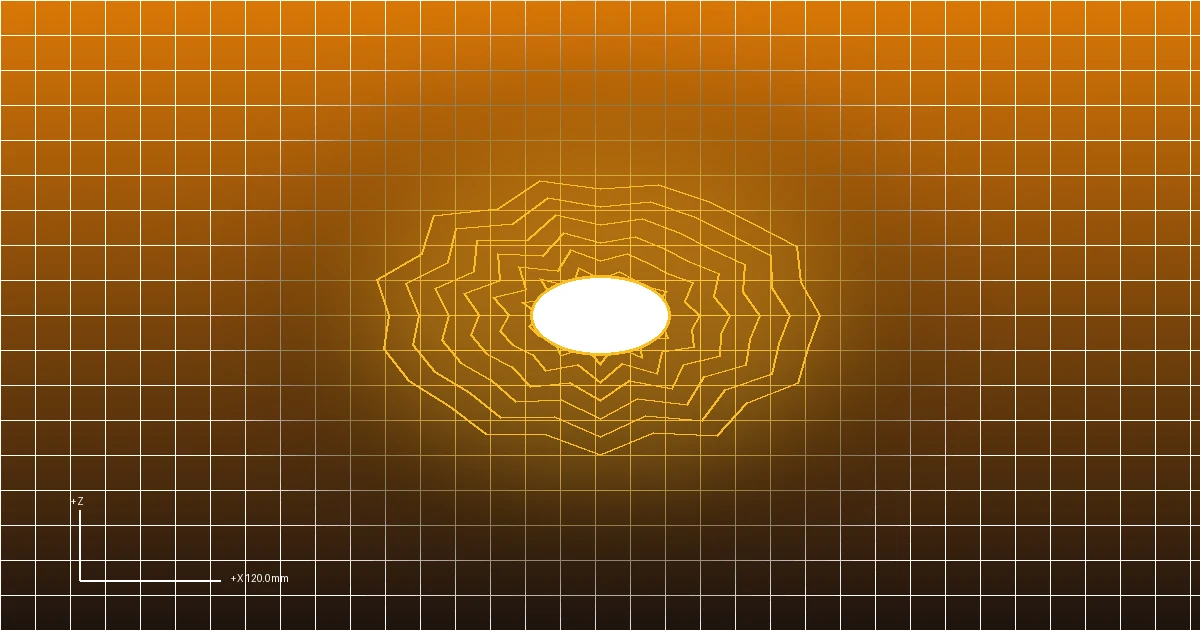
Few errors cause more frustration in additive manufacturing than loading a downloaded 3D asset into Cura, PrusaSlicer, or Bambu Studio only to be greeted by ominous red warning banners: “Object is not watertight,” “Non-manifold edges detected,” or “Model contains empty interior cavities.”
In 3D computer graphics, visual rendering engines only care about the front visible surfaces of a polygon; they have no concept of physical mass. Additive manufacturing slicers, by contrast, rely on strict computational solid geometry: they slice a model across horizontal planes and must deterministically calculate which regions are solid plastic and which are empty air.
If a mesh contains holes, overlapping zero-thickness boundary faces, or self-intersecting geometry, slicer slicing engines generate missing layers, internal voids, or catastrophic toolpath errors.
This guide provides technical instructions to diagnose, heal, and export solid, watertight manifold STL files directly in your browser.
What Defines a Watertight Manifold Mesh?
In topological mathematics, a 2-manifold mesh must satisfy two strict conditions:
Condition 1: Every edge connects EXACTLY two faces.
Condition 2: The faces around any vertex form a single continuous topological disk.
Clean Manifold Edge (Valid): Non-Manifold T-Junction (Invalid):
┌───────────┬───────────┐ ┌───────────┬───────────┐
│ │ │ │ │ ▲ │
│ Face 1 │ Face 2 │ │ Face 1 │ │ 3 Faces Connected
│ │ │ │ ├─────┴─────┤ to 1 Edge!
└───────────┴───────────┘ └───────────┤ Face 3 │
Exact 2-Face Connection └───────────┘The 4 Major Non-Manifold Mesh Defects
- Open Boundary Edges (Holes): An edge is connected to only one face, leaving a hole through which the interior of the mesh is exposed.
- T-Junctions and Over-Connected Edges: Three or more triangular faces meet along a single common edge, creating ambiguous interior partitions.
- Inverted Normal Vectors: A triangular face points inward rather than outward, causing the slicer to invert solid space into negative space.
- Self-Intersecting Geometry: Multiple discrete mesh shells pass directly through one another without boolean intersection seams.
Summary of Diagnostic Symptoms and Solutions
| Defect Type | Slicer Symptom | Root Cause | Repair Method |
|---|---|---|---|
| Open Hole Boundary | Slicer infills exterior space; missing top layers | Disconnected vertex indices along seam | Fill hole loop with Delaunay triangulation |
| Zero-Thickness Wall | Disappears entirely from slice preview | Single-face planar sheet with no extrusion depth | Extrude planar faces to at least 1.2 mm thickness |
| Inverted Facet Normals | Hollow pockets surrounded by solid infill | Inward-pointing normal vectors | Recalculate all face normals uniformly outward |
| Internal Multi-Part Walls | Perimeter walls printed inside solid infill | Un-merged boolean shells in 3MF/STL | Run boolean mesh union to dissolve interior partitions |
Step-by-Step: Repairing Broken STLs Online
Follow these procedures using the FreeConvert3D 3D Studio:
- Upload Problem File: Drag your defective
.stl,.obj, or.3mfmodel into the FreeConvert3D 3D Converter. - Inspect Normal Alignment: Switch between Clay and Wireframe shading. Verify that there are no black patches or missing faces.
- Execute Mesh Healing:
- Weld Duplicate Vertices: Merges coincident vertices within a tolerance radius of $0.001\text{ mm}$, healing disconnected boundary seams.
- Recalculate Normals: Flips all inward-pointing normal vectors outward to guarantee outward winding order.
- Hole Closure: Identifies open boundary loops and caps them with planar triangular fans.
- Decimate Redundant Geometry: If the file was exported with un-optimized micro-triangles, use our Mesh Decimation Tool to streamline geometry.
- Download Clean STL: Export your repaired binary STL ready for slicing.
If you are generating embossed plaques or emblems from scratch, use our 2D Image to STL Workspace which automatically produces 100% closed, watertight solids.
Desktop Fallback Tools (Blender & FreeCAD)
For severely corrupted meshes with thousands of self-intersecting internal faces, desktop software can perform advanced voxel remeshing:
Blender Voxel Remesh Method
- Import broken STL into Blender (File -> Import -> STL).
- Select mesh, navigate to the Object Data Properties tab (green triangle icon).
- Expand Remesh, select Voxel.
- Set Voxel Size to
0.2 mm(or your target nozzle diameter). - Click Voxel Remesh. Blender builds a completely new, 100% watertight volumetric skin around the geometry, dissolving all internal voids and healing non-manifold seams automatically.
- Export as Binary STL (File -> Export -> STL).
Frequently Asked Questions
Why does Cura show striped red and white lines on my model?
Red and white striped lines in Cura indicate non-manifold geometry or zero-thickness surface walls. The slicer is warning you that it cannot calculate an enclosed solid volume at those locations, and those features may fail to print.
What is the difference between “watertight” and “manifold”?
In 3D printing terminology, the two terms are used interchangeably. A watertight model has no holes, no self-intersections, and no zero-thickness sheets, behaving like a physical solid balloon that would hold water without leaking.
Can I repair files without installing heavy desktop programs?
Yes. The FreeConvert3D workspace runs client-side mesh sanitization directly inside your web browser. You can inspect, recalculate normals, and export clean binary STLs on Windows, Mac, Linux, or mobile devices.